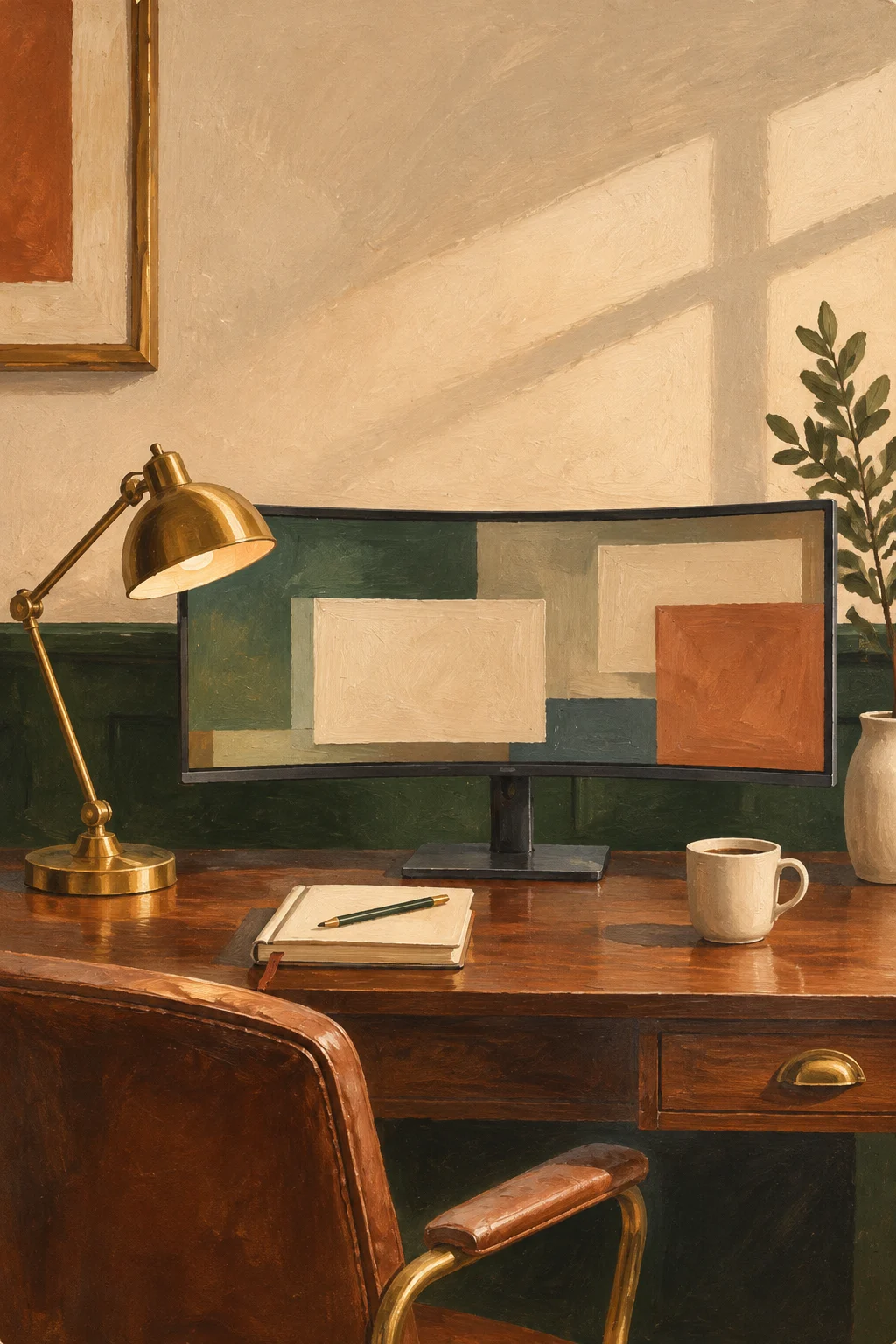
A considered desk begins with the work, not the number of displays.
Some links are affiliate links. If you buy through one, The Links Edit may earn a commission at no extra cost to you.
At a certain point, adding another screen stops feeling like productivity and starts looking like a small architectural problem. The desk is crowded, the cables have acquired dependents, and the third window is displaying a calendar you were already avoiding.
Three screens can make a workstation look serious. They can also make a simple morning feel like opening the bridge of a ship. The better question is not how much glass the desk can hold. It is how much of the work needs to be visible at once.
An expansive display can keep several windows together without dividing them across separate frames. Two screens can be useful when one job is reference and the other is creation. Neither arrangement wins by default. The desk, the computer and the work decide.
What actually needs to be in view?
Start with the tasks, not the specifications. A spreadsheet beside a document asks for a different arrangement than an editing timeline or a presentation beside its notes. If those windows can sit comfortably on one broad canvas, another monitor may add more furniture than usefulness.
Measure the desk before choosing the display. Consider viewing distance, stand depth and the computer’s supported connections. A screen that looks generous on a product page still has to make sense in the room.
One broad canvas
An ultrawide keeps several windows together without the visual break of a second frame. It suits work that benefits from a wider field: spreadsheets beside documents, timelines, research or a presentation with its notes close at hand. It also asks more of the desk, so measure first and check the computer’s display support.
Two screens, two jobs
Two matching displays make a different kind of sense. One can hold the work while the other keeps a reference, conversation or brief in view. The trade is straightforward: more flexibility, but also another stand, more cables and a wider footprint. A monitor arm can help, provided the desk can support it.
The best workstation is the one that stops asking for attention.
The dock should disappear
A dock earns its place by making the desk simpler. The wrong one adds a power supply, a tangle of cables and ports that never get used. Before choosing one, check the laptop’s supported connection standard, the monitors’ requirements and whether the displays already provide the connections you need.
Then stop. Choose the arrangement that lets you sit down, begin the work and forget about the equipment.
For the smaller details that make a desk feel considered, see FOR PAR No. 05: The Desk Edit, Considered. For cable routing and fewer objects underfoot, read A Desk Without the Debris.
Shop this story
Hides the cables. Doesn’t hide from responsibility.
Check price →As an Amazon Associate I earn from qualifying purchases.
A note worth opening. For Par is our free note on golf, style and the occasional detour, with free art for your walls and your TV. Explore For Par and subscribe free.